

I have skipped the usual shpiel on Kafka. I assume you are here because you recently read about Kafka and want to give it a quick whirl. My goal is to help you do just that, and hopefully, with less keystrokes.
If you need a quick refresher on Kafka, here’s a good starting point
There are tons of articles on the web that show you how to set up Kafka locally. Here’s one such step-by-step guide. Instead of the usual ‘download the tar distro and follow step-by-step instructions’, I chose to use docker and docker-compose for the set up. I did it primarily for two reasons -
- To minimize the manual steps
- To be able to run additional services like kafka-topic-ui (see below), along with the typical setup. Of course, you can do all this manually, but using docker minimizes the typing.
The simplest kafka configuration is the single-broker mode, which IMO is sufficient for local development and experimentation.
The only prereqs needed for our set up is docker and docker-compose.
All of the services needed to get Kakfa working locally are defined in the docker/docker-compose-kafka-setup.yml file. There are four services defined in this file -
Brief description of kafka-topics-ui from their website -
Browse Kafka topics and understand what’s happening on your cluster. Find topics / view topic metadata / browse topic data (kafka messages) / view topic configuration / download data.
kafka-topics-ui is a web tool for the kafka-rest-proxy service.
Getting Started
Just run the /bin/setup_kafka.sh, which runs the following command docker-compose -f ./docker/docker-compose-kafka-setup.yml up. You can use the -d option to run containers in daemon mode. Once the services are running, you should see something like the following - 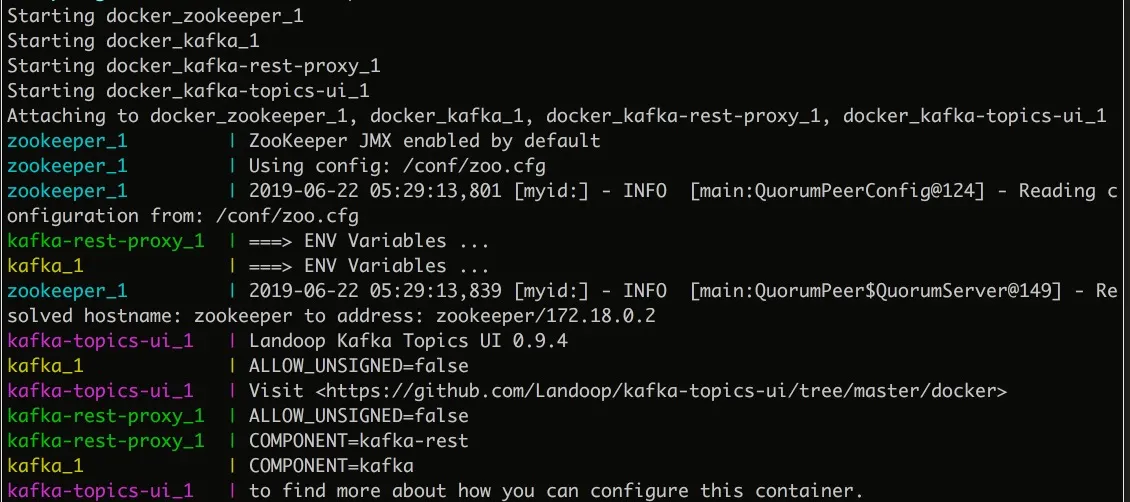
You should see console logs for each of the services. The interesting bit is the kafka-topics-ui service. Once it’s fully running, you will see something similar to the below screen - http://localhost:8000/
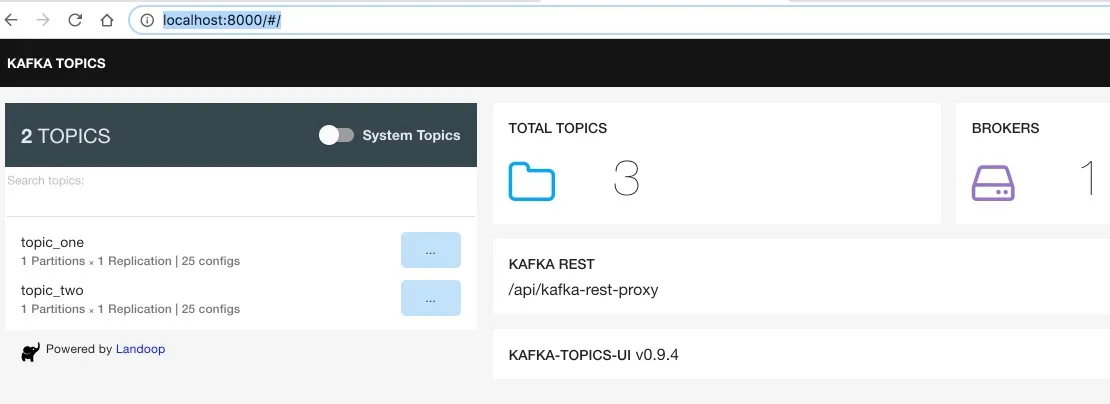
That’s it!
In the next article, I will walk you through a ‘hello world’ Kafka publisher and consumer implementation in Java
Code
The code can be found here
Want to learn more?
- If you want to start experimenting with some Java code, please read my follow up article, Local Kafka Development - Part 2
- I would highly recommend this book to develop a good understanding of Kafka. Definitely worth the time investment!
- Please also see my resource recommendations for Kafka

